Linux kernel 4.9+ 默认支持 BBR,Debian 13 内核 6.x 版本,加上配置参数即可快速开启。不过 Debian 13 Trixie 将 sysctl 变更为由 systemd-sysctl 主导且配置文件变成模块化结构,老方法开启 BBR 后重启系统不会自动开启。
备用节点参考:大哥云、魔戒、飞机云、搬瓦工JMS、极客云……
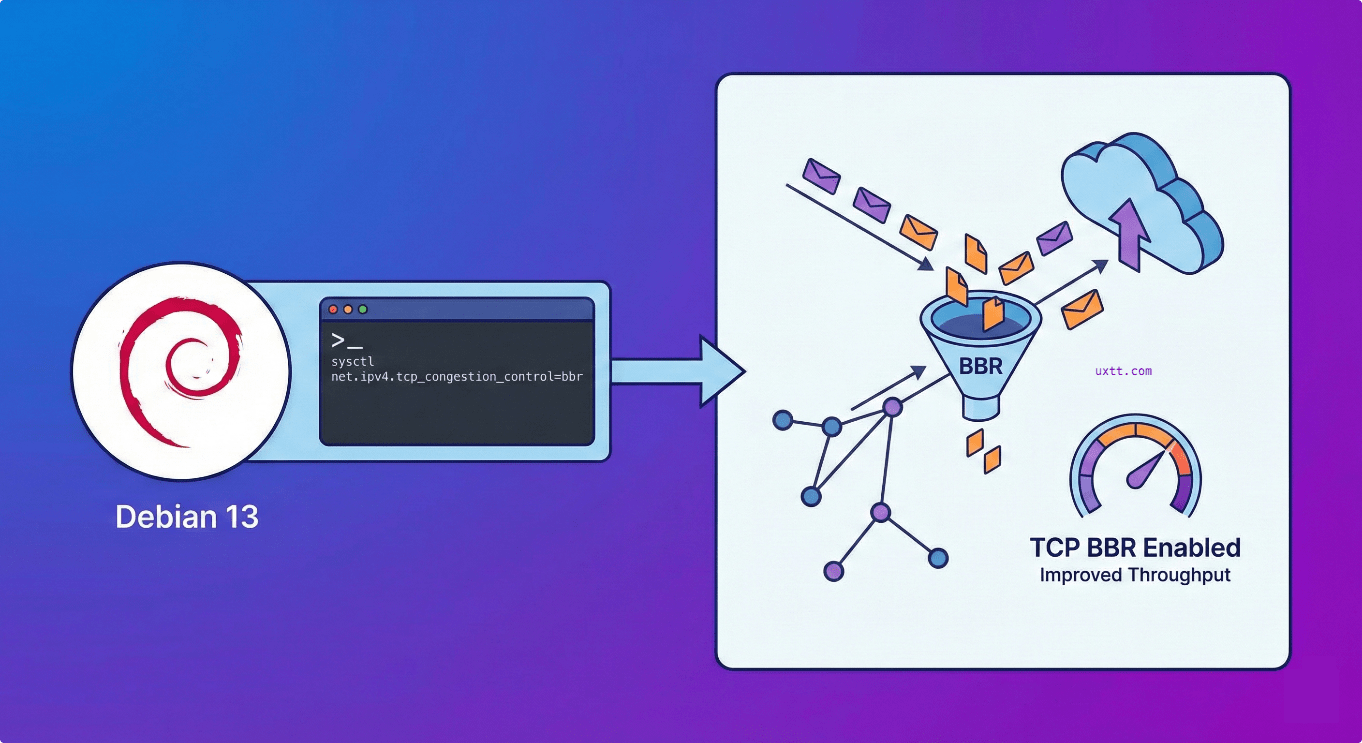
原因:Debian 13 systemd-sysctl 默认不再读取 /etc/sysctl.conf 文件。
症状:虽然仍然可以创建该文件写入 bbr 配置信息,执行 sysctl -p 或者 sysctl --system 应用配置 「临时」生效,但是重启系统会失效。
解决方法也很简单,到 /etc/sysctl.d 目录下建立 .conf 配置文件,如 99-bbr.conf,前面数字是优先级。
命令行:
echo -e "net.core.default_qdisc = fq\nnet.ipv4.tcp_congestion_control = bbr" | sudo tee /etc/sysctl.d/99-bbr.conf > /dev/null && sysctl --system如无意外,重启一下系统,bbr 会自动开启,执行 lsmod | grep bbr 命令会有类似如下返回:
tcp_bbr 20480 86
另外,调整虚拟内存 swappiness 参数也可以使用同样的配置方法:
echo -e "vm.swappiness=10" | sudo tee /etc/sysctl.d/99-swappiness.conf > /dev/null && sysctl --system本文首发于:Debian 13快速开启BBR-細水長流
解压密码 1024 | 任何服务均有跑路风险,请注意防范!
备用节点:大哥云、魔戒、飞机云、搬瓦工JMS、极客云、扬帆云……